
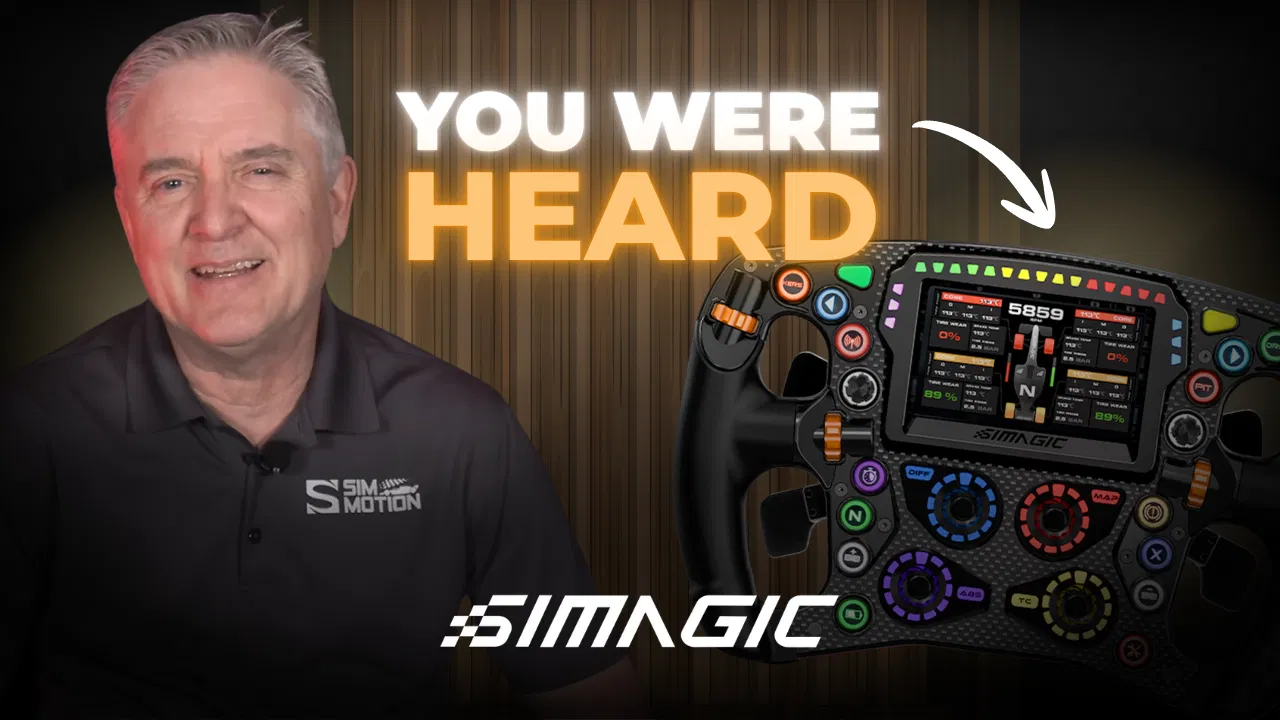
Disclosure: Simagic provided the featured product(s) for this SIMAGIC Zeus compatibility breakdown. We also sell Simagic products through Sim Motion. All opinions are our own.
SIMAGIC Zeus compatibility caused a lot of confusion when the lineup first launched. EVO bases, original Alpha bases, AirLink, MagLink Pro, MagDock: what actually worked with what wasn’t clear right out of the gate. The sim racing community made that known fast.
The good news: SIMAGIC listened, and the compatibility picture today looks a lot simpler than it did at launch. Here’s the full breakdown, updated with what changed.
What’s Actually in the Zeus Lineup
There are three wheels: the Zeus Formula, the Zeus GT, and the Zeus Sport. All three can be run with or without the new Magic Dash. It’s the latest move in what’s been a busy stretch for the brand. That stretch includes the Simagic P700 pedals launch and several unreleased wheels spotted in a recent drift promotion.

So what is the Magic Dash? It’s a modular display system that attaches directly to the wheel or to a compatible base like the EVO series. It shows telemetry, RPM, speed, and gear info, and it works with both SimHub and SIM Pro Manager.
Why SIMAGIC Zeus Compatibility Requires Extra Peripherals
This is the part that actually needs explaining, and SIMAGIC CEO Barry Li walked us through it directly.
Displays like the original FX Pro dash could run without extra hardware because they use a Nextion-style setup. The dash builds and stores its own display data. The wheelbase only needs to send small changing values like RPM and gear position. That’s a tiny amount of data, easy to move over a standard 2.4 GHz connection.
SimHub works differently. It’s the piece of the SIMAGIC Zeus compatibility puzzle that created the need for AirLink. The dash doesn’t render its own graphics here. Instead, SimHub renders images on your PC and streams that image data to the screen. That process takes roughly 3 megabytes per second of throughput. A standard 2.4 GHz connection tops out around 500 kilobytes per second. That’s not a small gap.
SIMAGIC’s first attempt at bridging that gap was USB pass-through, which is what the EVO uses today. Pass-through routes through multiple USB hub layers, though. Depending on your PC, that setup carries roughly a 10% chance of instability, according to SIMAGIC’s own testing. SIMAGIC built AirLink specifically to solve that. It’s dedicated wireless hardware that handles SimHub’s bandwidth needs reliably. It also supports SIM Pro Manager at the same time through dual-screen support.
Why Alpha Bases Need Extra Hardware Too
Original Alpha bases have a separate limitation. Simagic designed the Alpha’s wireless charging system around roughly 2.5 watts of power. That’s not enough to reliably support a screen or the Zeus lineup’s lighting and bandwidth needs. The base itself creates that hardware constraint. That’s why Alpha owners need a MagLink Pro, MagLink Pro Extend, or MagDock to run the wheel and/or the dash.
So the extra hardware isn’t arbitrary. It’s a direct response to real bandwidth and power limitations. Where things went wrong was on the purchasing side.
The Community Pushed Back, And SIMAGIC Responded
At launch, buyers had to purchase the AirLink and MagLink Pro peripherals separately from the wheel and dash. The dash couldn’t actually function without them, though. A lot of the community feedback on that was fair. If the dash needs the accessory to work at all, it should come bundled from the start. A surprise second purchase doesn’t make sense otherwise.
SIMAGIC agreed, and made changes:
- AirLink now comes standard with any Zeus + Magic Dash bundle, at no additional cost. The same applies to standalone Magic Dash orders, through August 30.
- Alpha owners get the same treatment. A Magic Dash order for an Alpha setup now includes the MagDock. A wheel-plus-dash order includes the MagLink Pro.
- Existing Alpha owners who purchased Zeus products within 90 days of launch can claim a complimentary compatibility accessory based on their setup.
- Pricing dropped across the board to reflect the bundling. The Formula with dash went from $699 to $669, the GT from $539 to $509, and the Sport from $499 to $469.
- Sim Motion has already refunded anyone who purchased the AirLink, MagLink Pro, or MagDock separately before this change took effect.
It’s a genuinely good example of community feedback directly shaping a product rollout. That feedback is a big part of why SIMAGIC Zeus compatibility looks so different today than it did at launch. Both the people who spoke up constructively and SIMAGIC deserve credit here. SIMAGIC gets extra credit for acting on it quickly instead of letting it sit.
SIMAGIC Zeus Compatibility Summary, As It Stands Now
EVO base owners:
- No Magic Dash: any Zeus wheel plugs in with zero extra accessories
- With Magic Dash: AirLink comes with the bundle, no separate purchase needed
Original Alpha base owners:
- Magic Dash orders include the MagDock
- Wheel + dash orders include the MagLink Pro
- Existing owners who bought within the last 90 days can claim the matching accessory
Third-party base owners (Simucube, Moza, Fanatec, Asetek, VRS, etc.):
- MagLink Pro or MagDock applies the same way as Alpha compatibility

Zeus Pricing Breakdown
| Item | Price |
|---|---|
| Zeus Formula (no dash) | $499 |
| Zeus GT (no dash) | $349 |
| Zeus Sport (no dash) | $329 |
| Zeus Formula + Dash (AirLink/MagLink Pro included) | $669 |
| Zeus GT + Dash (AirLink/MagLink Pro included) | $509 |
| Zeus Sport + Dash (AirLink/MagLink Pro included) | $469 |
| Magic Dash (standalone, AirLink or MagDock included) | $199 |
GT and Sport wheels also come with a range of interchangeable rims: five for the GT, six for the Sport. Rim prices range from roughly $49 up to $89 depending on the rim. You can’t buy either hub standalone, though. You’ll get the default rim and can add others from there.
If Zeus is out of budget, or you’d rather wait for stock to settle, Simagic has solid sub-$500 options already. The GT Neo and FX Formula are both worth a look, and we cover them in our best budget sim racing wheels breakdown.
Should You Order Now?
Pre-orders for the full Zeus lineup are live, with units continuing to arrive at Sim Motion in batches. Check simmotion.com for current stock and expected timing on your specific configuration. If you already ordered before the bundling change, confirm your refund landed. If it didn’t, reach out to us directly.
Final Thoughts on SIMAGIC Zeus Compatibility
SIMAGIC Zeus compatibility makes a lot more sense once you understand the bandwidth and power constraints behind it. The rollout, on the other hand, created more confusion than it needed to. The community was right to push back on paying separately for hardware the dash couldn’t function without.
What matters is what happened next. SIMAGIC listened, adjusted pricing and bundling, and made it right for people who’d already bought in. That’s the part worth highlighting. If you’ve got questions about which setup applies to you, reach out to us at Sim Motion. We’ll walk you through it before you order anything.