
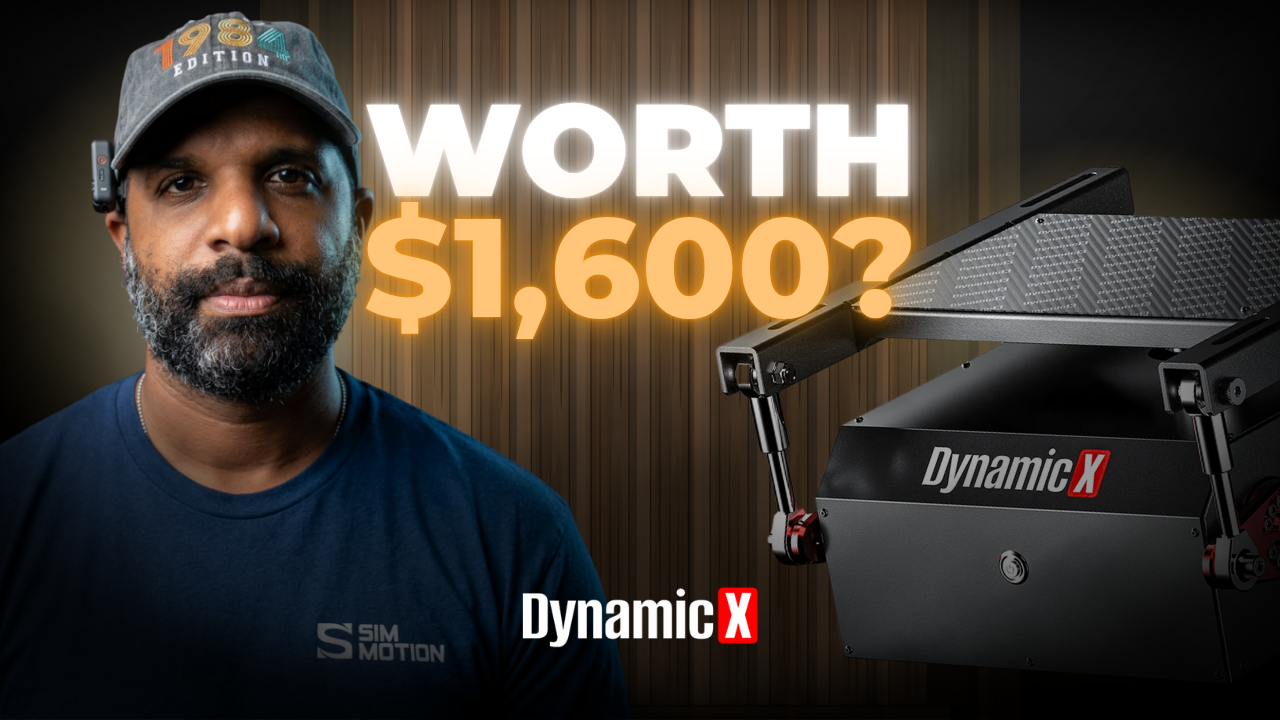
“I’ve wanted to get a motion rig, but they are all way too expensive.” That comment on our video sums up where a lot of sim racers are. Dynamic X’s answer is the DX2 Ultra, a 2DOF seat mover that bolts in under your existing seat instead of moving your whole cockpit. In this DX2 Ultra review, Dave Adams puts it through installation, setup, tuning, and real driving to find out who it’s actually for.
The short version: once it was dialed in, Dave stopped noticing the motion was there, which is exactly what good motion should do. It’s about half the cost of a full four-corner motion rig. You’ll want to budget for a SimHub license on PC and some patience during installation. Watch the full review below, or read on for the breakdown.
Watch: Half the Cost of a Full Motion Rig | DX2 Ultra Motion + Haptic Seat Mover Review
DX2 Ultra Review: What It Is and the Specs
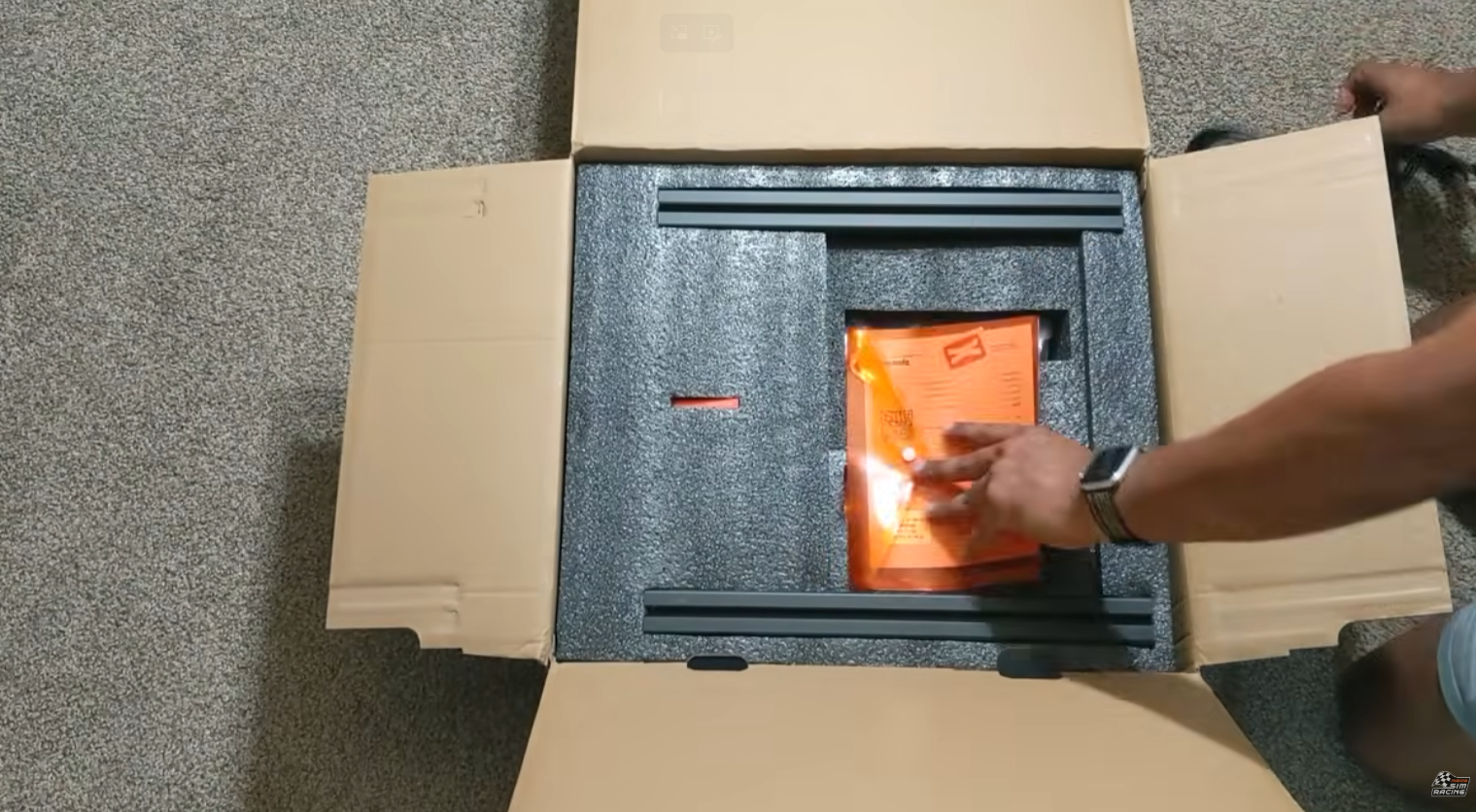
The DX2 Ultra started life as the DX Winner 2. Our review unit is an early production model, which is why it shipped in the old DX Winner 2 box. Dynamic X pitches it as a way to add motion without rebuilding your rig: it mounts between your cockpit and your seat and moves only you and the seat, not the entire cockpit.
It’s a 2DOF system, meaning it handles pitch and roll. Dynamic X describes the motors as having a quasi-direct drive response tune, built for fast, sharp cues rather than big, slow movements.
| Spec | DX2 Ultra |
|---|---|
| Degrees of freedom | 2DOF (pitch and roll) |
| Motion range | ±10° |
| Peak torque (per motor) | 120Nm (40Nm rated continuous) |
| Max angular speed | 125°/s |
| Max angular acceleration | 1,300°/s² |
| Equivalent acceleration | 1.15G (about 11.3 m/s²) |
| Max system latency | 15ms |
| Recommended load | 145kg / 320lb (seat + user + accessories) |
| Weight | About 17kg / 37lb |
| Footprint | About 38 × 41 × 21cm |
| Platforms | PC via SimHub or SimTools; direct PlayStation connection on supported titles |
| Warranty | 1 year for personal/home use |
Specs from the Dynamic X DX2 Ultra product page(opens in new tab).
Dave’s first impression in hand was that the unit felt both heavier and lighter than he expected. The actuators move freely when it’s unpowered, which makes it more awkward to carry but easier to position than he thought it would be.
What’s in the Box
The DX2 Ultra arrived well packaged. Inside, Dave found:
- The DX2 Ultra seat mover
- Extra-long power and USB cables
- Universal seat profile adapters for different seat sizes
- A warranty card, a QR code linking to the online manual, and a Dynamic X sticker
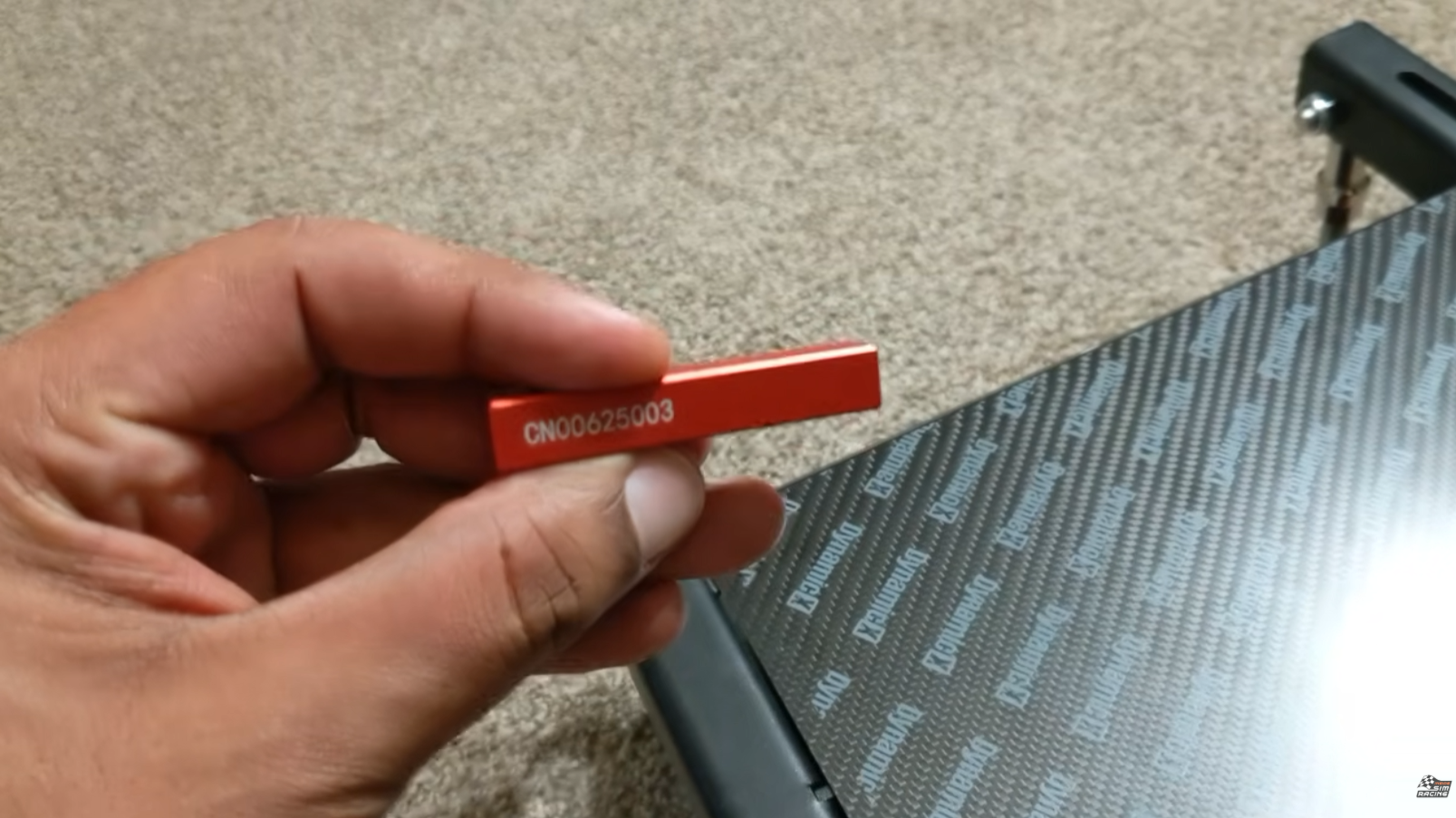
- A color-matched aluminum ingot laser engraved with the unit’s serial number
That last one is a nice touch. As Dave put it, it’s one way to make sure you always have your serial number handy.
Know Before You Buy
Dave hit a few things during setup that are worth knowing before you order.
Installation means rebuilding your seat mount. If your rig is already assembled, you’ll need to remove your entire seat mounting assembly and drop the DX2 Ultra in its place. That means aligning it left to right and front to back, which Dave found tricky. Adjustable seat sliders help a lot here, since you can get back to your old driving position quickly once the unit is in place. Without sliders, you’ll be shifting the 37lb unit plus your seat around until it lines up.
There’s no park function. The seat needs power to stay level, so you can’t comfortably use your rig with the unit switched off. Dynamic X’s product page confirms there’s no active parking brake when the system is fully powered down. When it’s powered and enabled, it can hold level even with no game running. Dynamic X also notes that some owners in its Discord have built simple mechanical stops to hold the seat when it’s off.
On PC, you need SimHub’s motion license. The DX2 Ultra runs through telemetry-based motion software like SimHub on PC. SimHub’s motion add-on requires a SimHub license plus a one-time motion add-on license(opens in new tab). Dave puts the cost at $42 USD and feels Dynamic X should have included it. You can test the motion add-on in time-limited sessions before buying, which is a good way to confirm everything works first. On PlayStation, the DX2 Ultra can connect directly on supported titles without SimHub, though Dynamic X says PC and SimHub offer more detailed tuning.
Check your weight. The recommended load is 145kg (320lb), and that includes your seat and anything mounted to it, not just you.
DX2 Ultra Review: Installation and Setup
Dynamic X provides both a manual and an installation video. Dave’s advice: follow the video and use the manual as a supplement. He found the video much easier to work from.
Installing the Seat Mover
- Remove your seat and all of its original mounting hardware.
- If you have an H bracket in front of your seat, loosen it fully so you can slide it out of the way.
- Assemble the seat mover according to the instructions.
- Slide it into place and secure the bolts without tightening them.
- Plug everything in and power the unit on.
- Sit in the seat and check that everything is lined up.
- Get out, tighten everything down, and you’re ready to tune.
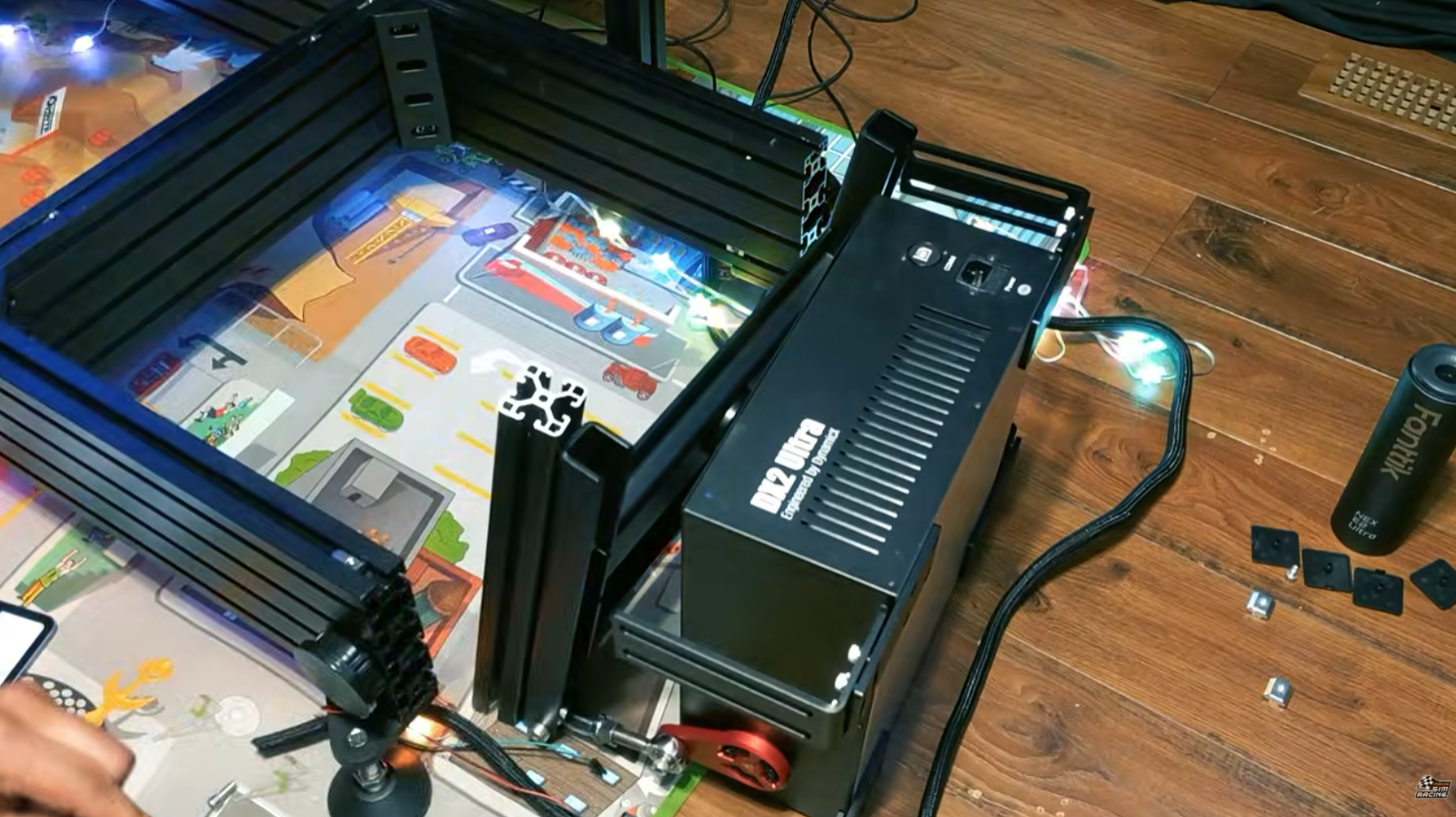
Dave’s tip: powering the unit on before tightening the bolts was what helped most. With the seat powered, he could sit in it and check alignment from his actual driving position before locking anything down.
Updating the Firmware
Dynamic X recommends updating the firmware before you do anything else.
- Go to the support page on the Dynamic X website and find DX2 Ultra Firmware.
- Follow the link to the GitHub page and scroll to the upgrade section, which links to the DX2 control page.
- Connect to the unit’s serial port. The tool will have you unplug and reconnect the USB cable so it can detect the unit.
- Click Upgrade to Latest Stable. The tool handles the update and reboots the unit on its own.
Setting Up SimHub
Dynamic X’s support page also links to a SimHub setup download, but Dave found the latest version of SimHub already includes the DX2 profiles. You can check which games SimHub works with on its supported games list(opens in new tab).
DX2 Ultra Review: Tuning the Motion
For tuning, Dave went to Darin Gangi, CEO of Sim Motion, who walked him through the method he uses as a starting point.
- Turn the overall motion all the way up, and turn smoothing all the way down or off for every setting.
- Switch every effect off, then turn on just one.
- Bring that effect up to 10% and drive. Then try 20%, then 30%.
- Once it feels like too much, back off in steps of 5%, then fine-tune in steps of 1%.
- Turn that effect off, turn the next one on, and repeat until you’ve tuned each one.
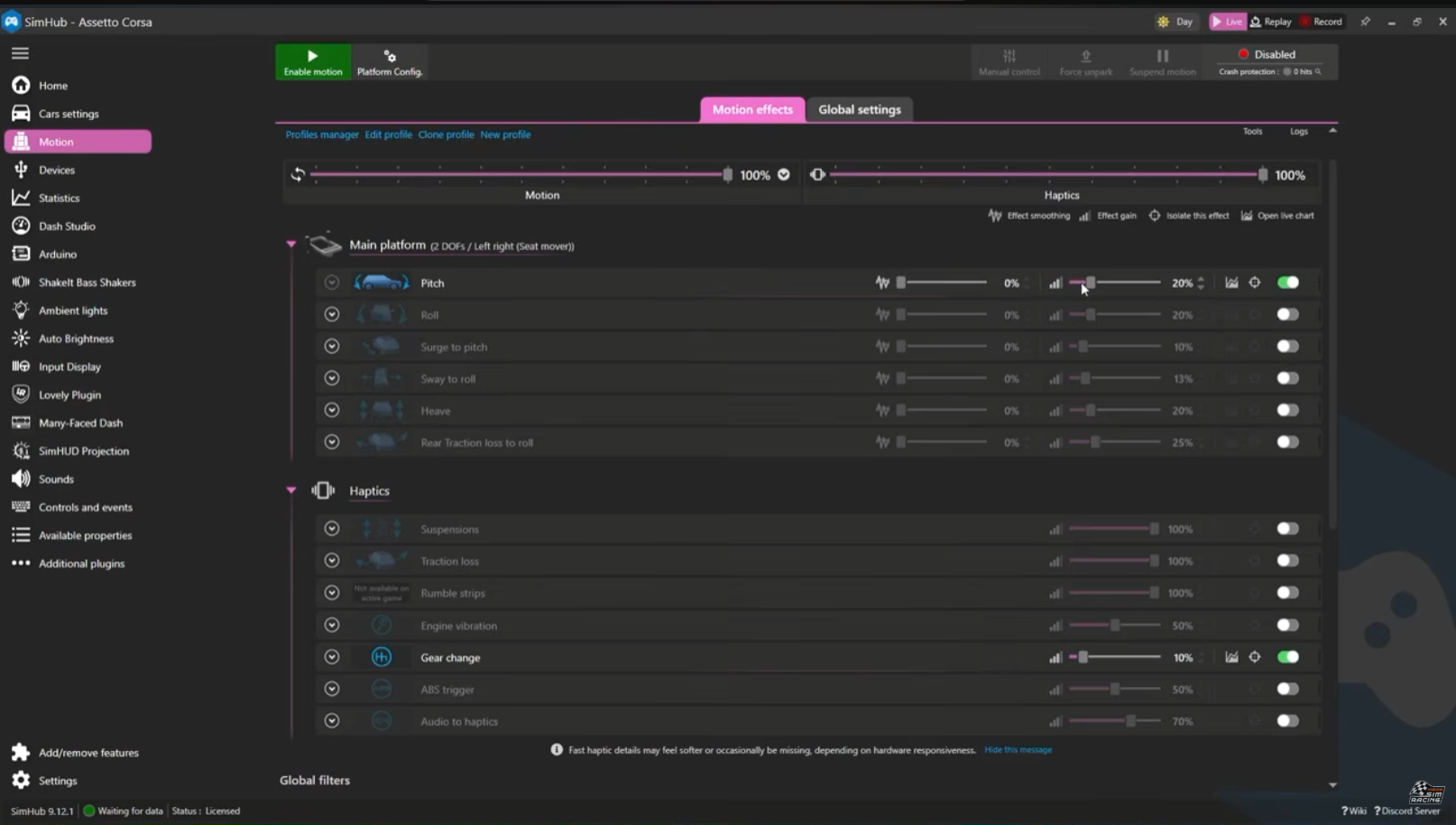
The goal isn’t to recreate raw G-forces or exaggerate body roll. It’s to improve your connection with the car and the track, so you feel the chassis working and pick up the cues you’d get from a real car.
Dave’s warning on intensity echoes Darin’s own approach: when it comes to motion, less is more. You want subtle cues, not a violent roller coaster. Too much motion can ruin your immersion and leave you worse off than without it. At worst, it can injure you or someone else, or damage expensive equipment.
DX2 Ultra Review: On-Track Feel
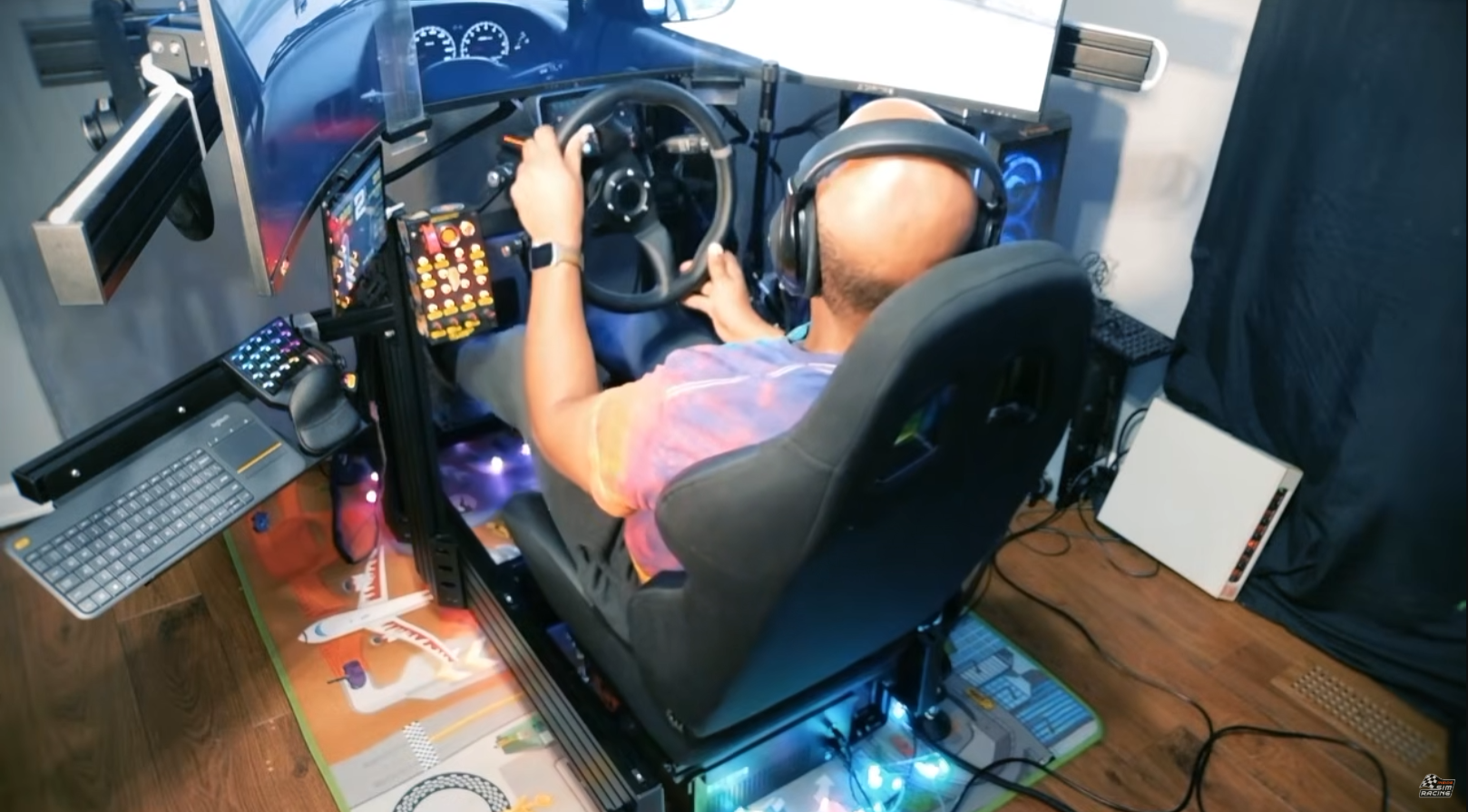
Dave drove the DX2 Ultra in three very different settings: carving hairpins with the tail out in Richard Burns Rally, sliding around drift parks in Assetto Corsa, and racing wheel to wheel in Le Mans Ultimate.
The thing he noticed first, once the settings were dialed in, was how quickly the motion disappeared. He stopped thinking about the system at all. It became just him, the car, and the road, which is exactly what you want from motion.
“You forget that the motion system is even there.” Dave Adams
Rally and drifting are where it stood out most for him. You can feel transition points, the moment the car is about to snap back the other way, in the seat of your pants, much like you would in a real car. For Dave, that adds another tool to help him race the person next to him, not just a layer of immersion.
DX2 Ultra Review: Price and Value
When we filmed, the DX2 Ultra was listed at $1,399 USD on Dynamic X’s site, and shipping brought our total to around $1,600. Add the SimHub license if you’re on PC. At the time of writing, Dynamic X lists it at a $1,399 sale price (regularly $1,699) as a pre-order, with the next batch shipping in late October.
Is that a lot of money? Dave’s answer was yes. His counterpoint is that it’s about half the cost of a full four-corner motion rig. For context on what that full setup involves, our Simrig SR3 review(opens in new tab) covers a four-actuator 3DOF system that moves your entire cockpit.
Who the DX2 Ultra Is For
| If you… | The DX2 Ultra… |
|---|---|
| Want motion but can’t justify a full motion rig | Is about half the cost of a four-corner system |
| Run a rigid aluminum profile cockpit | Is built to fit most of them, with included adapters |
| Have adjustable seat sliders | Will be much easier to align during installation |
| Mostly race rally or drift | Shines on transitions, where Dave felt it most |
| Race on PlayStation | Connects directly on supported titles, no PC needed |
| Want to use your rig with motion switched off | Needs power to hold level, or a DIY mechanical stop |
| Plus your seat and accessories weigh over 145kg (320lb) | Is above Dynamic X’s recommended load |
If you’re not sure your cockpit will work, Dynamic X’s FAQ says you can send them your rig model and photos to check compatibility before ordering.
What the Community Is Saying
The comments on the video brought in owners, skeptics, and a few good ideas:
- Owners are happy. One viewer called it the best purchase they’ve made for sim racing. Another said they backed the original version on Kickstarter at $799 because other motion options started at twice that price, and it’s still going strong.
- The price debate. One viewer argued it isn’t worth $1,600 and that a DIY build costs far less. Others pushed back, pointing to overhead, rising parts costs, and pricier commercial alternatives.
- Durability questions. A longtime viewer noted that cheaply built seat movers haven’t always lasted. We were impressed with the build in our testing, but long-term durability is the real test.
- Motion for any game. An owner uses SimHub’s motion-to-controller feature to play N64 games like Pilotwings and Wave Race with motion. SimHub lists joystick-to-motion as a feature for games without telemetry.
- Add a belt tensioner. One viewer recommended pairing a seat mover with an active belt tensioner for even more immersion.
- A deeper breakdown. A viewer asked for a follow-up that isolates each motion and haptic effect one at a time, explaining where you feel it and whether it helps you go faster, not just feel more immersed. That’s a test we’d like to run.
Final Thoughts: DX2 Ultra Review Verdict
The DX2 Ultra delivers what it promises: real motion through your seat without rebuilding your rig around a full motion platform. Installation takes patience, there’s no park function, and PC users need to budget for SimHub. Once it’s dialed in, though, the motion fades into the background and leaves you more connected to the car, especially in rally and drifting.
Whether it’s the bargain of the century depends on your situation. If a full motion rig is out of reach and your cockpit is a good fit, it’s one of the most direct ways to add motion to a setup you already own.
For full specs and current availability, see the DX2 Ultra product page(opens in new tab) on Dynamic X’s site.
Want to see the rest of Dave’s rig? His setup includes the SimNet SHB loadcell handbrake with the Hydro-Link Pro Kit, which we tested in our SimNet SHB-100 review(opens in new tab). And if you’re replacing your seat at the same time you add a seat mover, our Next Level Racing ES3 review(opens in new tab) covers the ES3 Elite seat.
Are you planning to add motion now that seat movers like this exist? Let us know in the video comments(opens in new tab) or on the ISR Discord(opens in new tab).
Disclosure: We purchased this DX2 Ultra with our own money, though Dynamic X provided a discount on shipping. Dynamic X is not sold through Sim Motion, and neither Sim Motion nor Dynamic X had any editorial control over this review. All opinions are our own.