
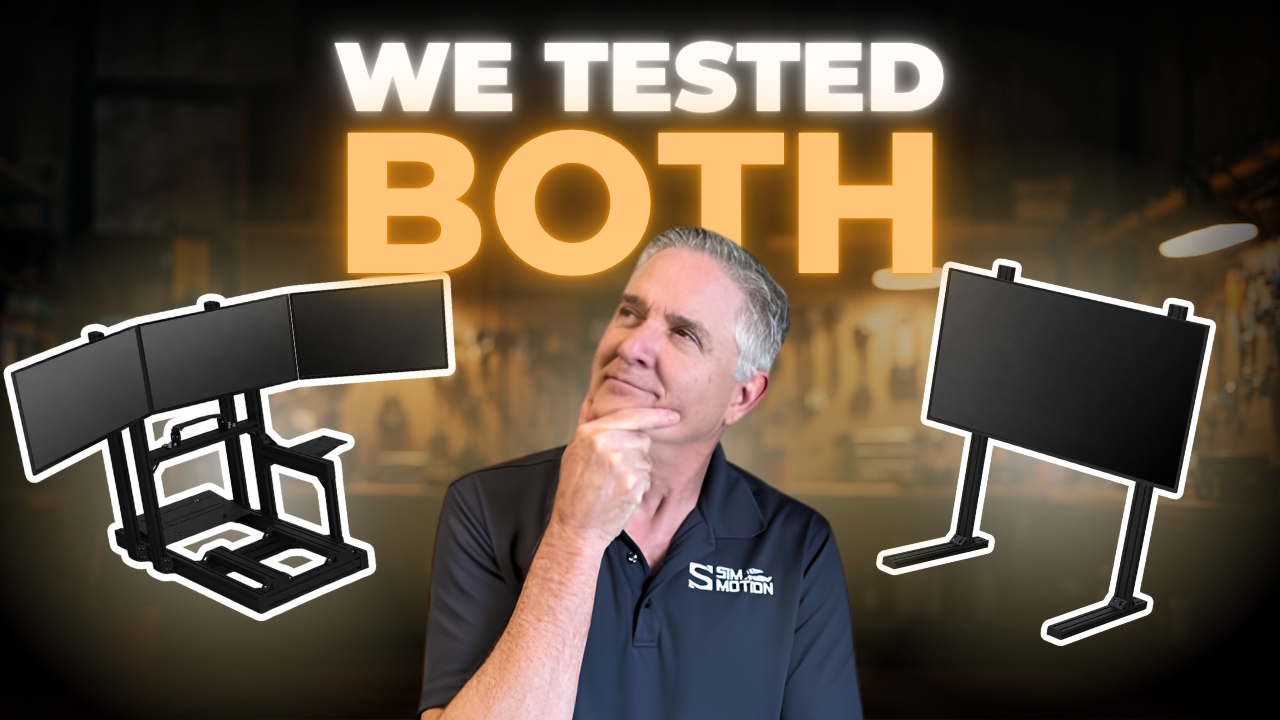
If you’re considering a motion system, one of the first setup questions is where your screens go. Some sim racers mount their motion rig monitors straight to the rig so everything moves together. Others keep them on a freestanding mount and let the seat move on its own. We wanted to stop guessing, so we put three sim racers on two 3DOF motion rigs, one setup each way, and asked them which they’d actually keep.
The short version: all three preferred detached overall. One of them found a case where attached worked better, and the reason why is worth knowing before you build your own rig. Watch the full test below, or read on for the breakdown.
Watch: 3 Sim Racers, 2 Rigs, One Surprising Verdict on Monitor Mounting
Why Motion Rig Monitors Are Such a Debate
This test grew out of Darin Gangi’s MOZA HMA150 motion system showcase(opens in new tab). At the end of that video, he promised a follow-up on a question a lot of people have when they’re considering a motion system: should the monitors ride along, or stay put?
Darin doesn’t hide where he stands. His personal rig has always run detached monitors, for two reasons. He doesn’t want to risk damaging his screens, and he feels the experience is simply better with them separate. He’s also quick to say it comes down to personal preference: if you like your monitors attached, that’s the right setup for your rig.
Since he’d already given his opinion, he handed the verdict to three sim racers on the Sim Motion team instead. The test was filmed at the Sim Motion shop, which has four motion rigs.
Meet the Three Sim Racers
The three testers cover a wide range of experience, including how much time each has spent on motion.
| Driver | Sim racing experience | iRating | Favorite combo | Motion at home? |
|---|---|---|---|---|
| Mike Caminiti | 30 years | Sports car 1677 (plus a Pro license in Le Mans Ultimate, 51 driver rating) | Lexus GT3 at Sebring | Yes, with a detached monitor |
| Cole Hooper | 10 years | Sports car 3997, oval 6011 | NASCAR O’Reilly car at the Charlotte Roval | No, some time on the Sim Motion rigs |
| Devon Meier | 5 years | Sports car 1655, formula 1624 | Ferrari GT3 at the Nordschleife | No, very little motion experience |
That spread matters. Mike already runs detached at home, while Devon had only been with Sim Motion for about two months and hadn’t spent much time on any of the shop’s motion rigs.
The Test Rigs, Cars, and Tracks
Both rigs run 3DOF motion, but the hardware underneath is very different.
| Attached setup | Detached setup | |
|---|---|---|
| Motion system | MOZA HMA150(opens in new tab) | SimRig SR3(opens in new tab) |
| Degrees of freedom | 3DOF | 3DOF |
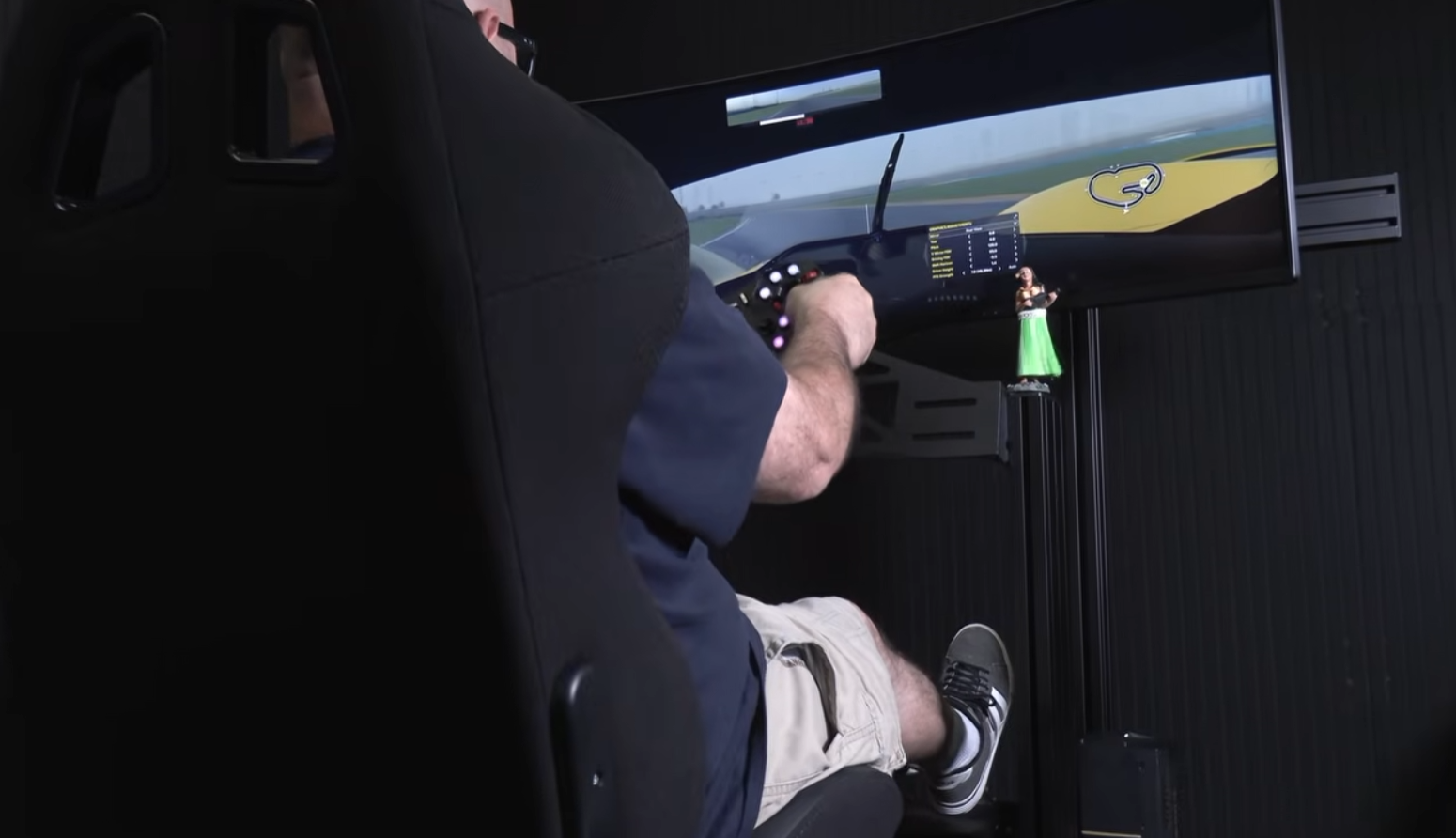
| Actuator stroke | 150mm (tuned to use about 40%) | About 70mm |
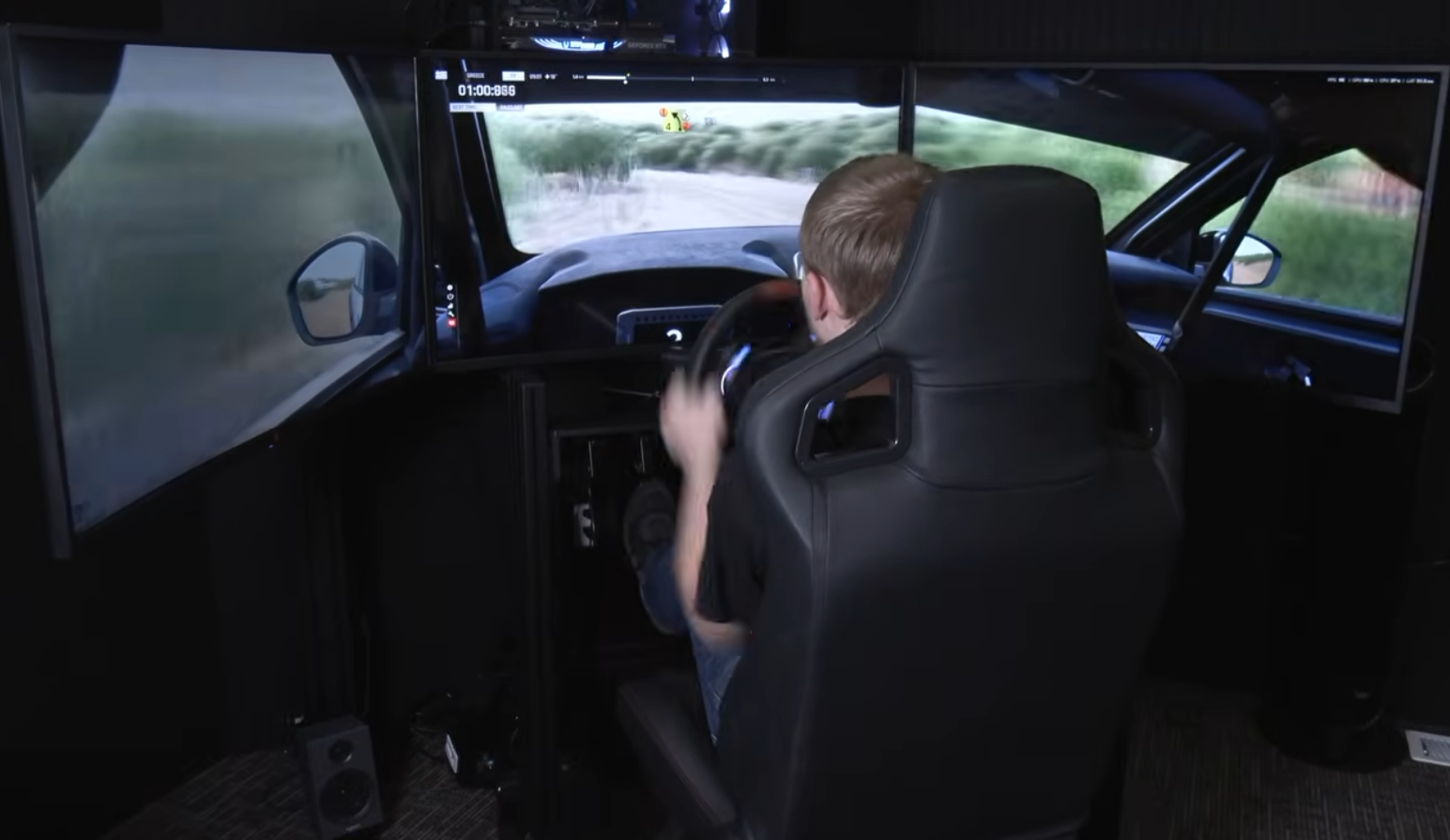
| Display | Single 49-inch Samsung | Triple 39-inch Deco Gear |
| Monitor mounting | Attached to the rig | Freestanding |
For a deeper look at the SR3 on its own, including its Control Center software, read our Simrig SR3 review(opens in new tab).
Each driver ran two combos:
- iRacing: the Cadillac hypercar at the 2008 Daytona road course. Darin picked the older layout because it’s especially bumpy, which exaggerates the motion.
- Assetto Corsa Rally(opens in new tab): a stage in Greece in the Peugeot 208 Rally4. None of the three has much rally experience, so a front-wheel-drive car kept things manageable.
How the Motion Was Tuned
Darin tuned both systems himself and aimed to make them equally bumpy. Since the HMA150 has roughly double the stroke of the SR3, he limited it to about 40% of its travel.
He also tuned both rigs more aggressively than he would for himself, on purpose. His own approach is “less is more”: he wants to feel the bumps, the braking, and a little pitch and roll without turning the rig into a roller coaster. He points out that motion rigs at trade shows are often tuned for spectacle rather than realism. For this test, the extra intensity made the differences between setups easier to feel.
One honest note from Darin: while filming, he realized the SimRig (the detached setup) was probably running a bit more aggressively than the MOZA. He didn’t tell the drivers and didn’t do it on purpose. Worth keeping in mind, since the detached rig still came out ahead.
Darin’s Motion Tuning Tips for Your Own Rig
Darin tunes his own rig very differently from how he set things up for this test. Here’s his approach for everyday driving:
- Less is more. You want to feel the bumps and the braking, plus a little pitch and roll. Darin doesn’t want it to feel like a roller coaster ride.
- You don’t have to use all your stroke. The HMA150 has 150mm of travel, and Darin used only about 40% of it here, even with tuning that was more aggressive than usual.
- Don’t tune to trade-show settings. Demo rigs at events are often set up to look dramatic, not to feel like a real car.
- Running attached monitors? Tune softer. Every bit of motion also moves your screen, so lower intensity matters more on an attached setup.
Both systems give you the controls to do this. MOZA’s Motion Manager lets you adjust motion range, overall intensity, and individual movement axes, according to MOZA’s HMA150 launch announcement(opens in new tab). SimRig’s Control Center builds motion profiles around individual games.
Mike’s Verdict: Detached, Especially for Rally
Mike struggled to focus on a single point on the attached screen. To him, the image and the motion felt out of sync, with his head movement and the on-screen movement working against each other. He noticed it most in iRacing, where the in-game car view is also moving.
On the detached rig, the rally stage felt far more natural. The car stayed put on the screen, and he compared the effect to a gyro: your eyes and head balance against a fixed reference point. iRacing still had some bumping on the detached setup, but his favorite combo of the whole test was rally on the freestanding monitors.
“I think it’s just something to do with your eyes and your head… kind of like a gyro.” Mike Caminiti
That lines up with his own rig at home. He’s run a fixed monitor before and has preferred freestanding for years because it lets him focus on the image.
Cole’s Verdict: Detached, No Question
Cole found the attached setup harder to focus on because there were too many moving pieces at once: the car moving in the game, the rig moving under him, and the screen moving with the rig.
“The car’s moving inside the simulator with you moving and the screen moving all at the same time. It’s kind of a little much.” Cole Hooper
He noticed it less in rally, partly because the motion felt softer there and partly because you’re already moving so much over hills and rough terrain. Overall, though, detached made it easier to see where he was going and hit his marks. His answer on which he’d keep was simple: detached.
Devon’s Verdict: It Depends on the Discipline
Devon gave the most nuanced answer. On the attached rig, he described an oscillating feeling at times, since both he and the screen were moving. He still found it enjoyable overall.
He actually liked rally better on the attached setup. Rally is bumpy, hilly, and constantly changing, and having the monitor move felt like the car itself bouncing along with him, which made that oscillation feel more natural.
For GT and formula racing, he’d pick detached. In those disciplines you want a stable view of your corners and braking points, and he doesn’t want much movement in his windshield. For general racing, his pick was detached for sure.
“With GT and formula you kind of want that stable viewpoint so you can see where your corners are, where your braking is.” Devon Meier
The Verdict on Motion Rig Monitors
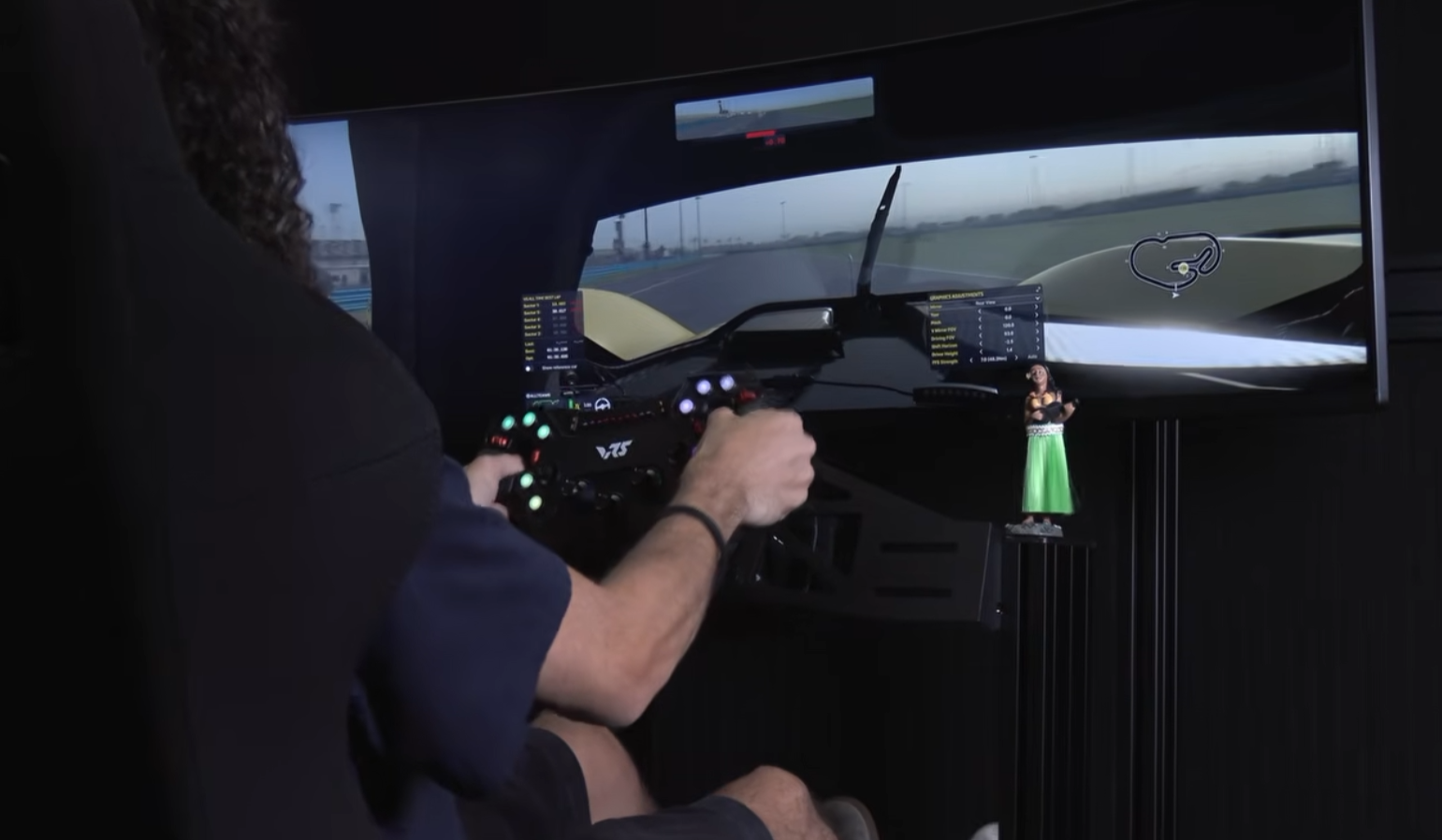
All three drivers preferred detached motion rig monitors overall. The one exception was Devon, who liked the attached setup better for rally specifically.
| Driver | Overall pick | Notes |
|---|---|---|
| Mike Caminiti | Detached | Favorite combo was rally on the freestanding monitors |
| Cole Hooper | Detached | Easier to see where he was going and hit his marks |
| Devon Meier | Detached | Preferred attached for rally only |
The complaint all three shared was tracking: it was harder to keep their eyes locked on the road with the screen moving. Darin’s explanation is that the in-game camera already moves in sync with the motion. Attach the monitor and the screen moves with the rig too, which nearly doubles the movement you see and breaks immersion.
Darin also noted that he’d tune the motion less aggressively if he were running attached monitors himself. If you already have your screens mounted to your rig, dialing back the motion intensity is the first thing to try.
Should You Attach or Detach Your Motion Rig Monitors?
If you’re deciding where your motion rig monitors should go, here’s how the test results translate to real setups:
| If you… | Lean toward | Why |
|---|---|---|
| Mostly race GT, formula, or prototypes | Detached | All three drivers wanted a stable view of corners and braking points |
| Mostly race rally or off-road | Try both | Devon felt the moving screen matched the bumpy terrain |
| Run aggressive motion settings | Detached | All three drivers found it harder to track the road with the screen moving |
| Want to protect your monitors | Detached | Darin’s first reason for keeping his own screens off the rig |
| Race in VR | Neither applies | The headset moves with your head, so there’s no screen to mount |
Whichever way you go, check that the motion system fits your rig before you buy. SimRig publishes rig compatibility guidance(opens in new tab) for mounting its actuators to aluminum profile rigs.
What This Test Doesn’t Tell You About Motion Rig Monitors
This was a hands-on comparison with three drivers, not a lab study. A few things are worth keeping in mind before you treat it as the final word:
- The displays weren’t the same. The attached rig used a single 49-inch ultrawide, and the detached rig used triple 39-inch monitors. Screen size and field of view may have played a part in how each setup felt.
- The motion systems weren’t the same. The HMA150 and SR3 differ in stroke and hardware, and Darin believes the SR3 was tuned slightly more aggressively.
- Both rigs were tuned harder than normal. That made the differences easier to feel, but it isn’t how Darin runs his own rig.
- Default settings were used. Effects like neck motion were left at their defaults on both rigs so the comparison stayed consistent, rather than optimized for each setup.
- Three drivers is a small sample. Their answers lined up, but your own preference may not.
What the Community Is Saying
The comments on the video turned up some good follow-up ideas:
- Detach the wheel too. Several viewers pointed to setups where both the monitors and the wheel are mounted as one solid unit while the seat moves independently. Commenters pointed to creators like Race Beyond Matter who favor this approach, and it’s a comparison we’d be curious to try.
- The real-car argument. One viewer summed up the case for detached neatly: in a real car, the seat moves and the windshield doesn’t.
- VR and XR glasses. A viewer running VR with motion said it avoids screen shake entirely, and suggested XR glasses as a third option for a future comparison.
- Ultrawide simplicity. Another viewer is moving from triples to a single large ultrawide to skip the setup headaches of multi-monitor software.
- Ergonomics questions. There were questions about the right angles for the screen, seat, wheel, pedals, and shifter. There’s no single correct answer, since it depends on your body and the type of racing you do, but it’s a strong candidate for a future video.
If your seat is part of that ergonomics question, our Next Level Racing ES3 review(opens in new tab) covers the ES3 Elite seat.
Final Thoughts on Motion Rig Monitors
Three drivers, two rigs, and a clear lean toward detached motion rig monitors. Keeping the screen still gives your eyes a fixed reference point, while the in-game camera and the motion system handle the sense of movement. Attached monitors can still work, and Devon’s rally verdict shows there are cases where the extra movement adds to the experience.
If rally is where you spend most of your seat time, our SimNet SHB-100 review(opens in new tab) tests the Hydro-Link Pro Kit, a $230 add-on that changes how the handbrake feels in your hand.
In the end, Darin’s point from the start holds: it’s your rig, and the setup you enjoy driving is the right one. If you’ve tried both, let us know in the video comments(opens in new tab) or on the ISR Discord(opens in new tab) which one you kept.
The motion systems from this test:
- MOZA HMA150 Haptic Motion Actuator(opens in new tab)
- SimRig SR3 3DOF Motion System(opens in new tab)
For a closer look at the MOZA system on its own, watch Darin’s full MOZA HMA150 showcase(opens in new tab).
Disclosure: We sell MOZA Racing and SimRig products through Sim Motion, and all three testers are part of the Sim Motion team. All opinions are our own.