
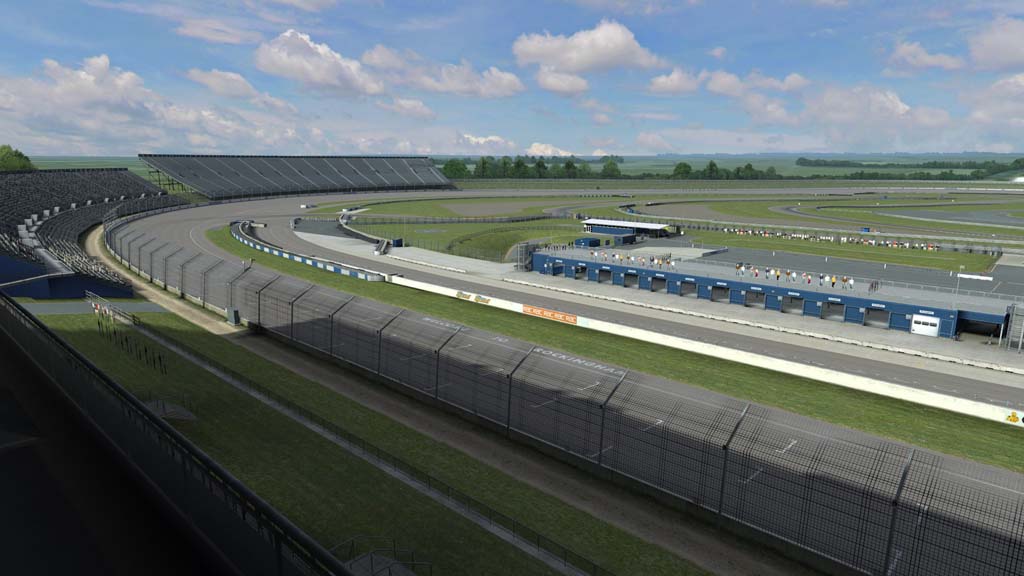
Remember Live for Speed? No? Me either, but Darin swears it’s pretty good so we’ll take his word and cover the latest version, 0.6K. Today’s release is interesting because it contains a few big ticket items.
First up is the release of Rockingham, the oval in Corby, England, not North Carolina. The track not only arrives to Live for Speed with the unique 1.479 mi (2.38 km) flat, square-ish, oval, but with many of the infield configurations as well. It looks nice.
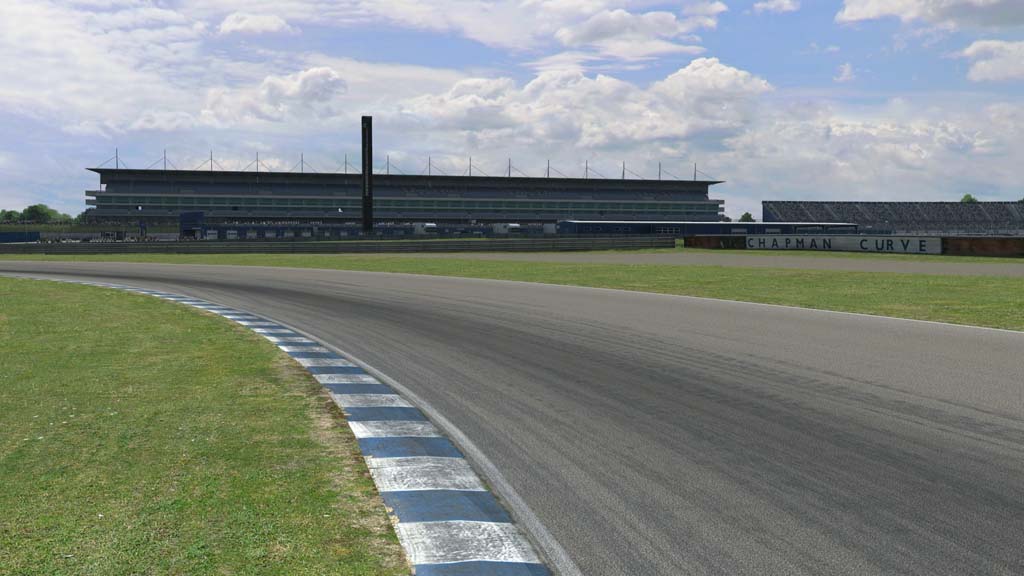
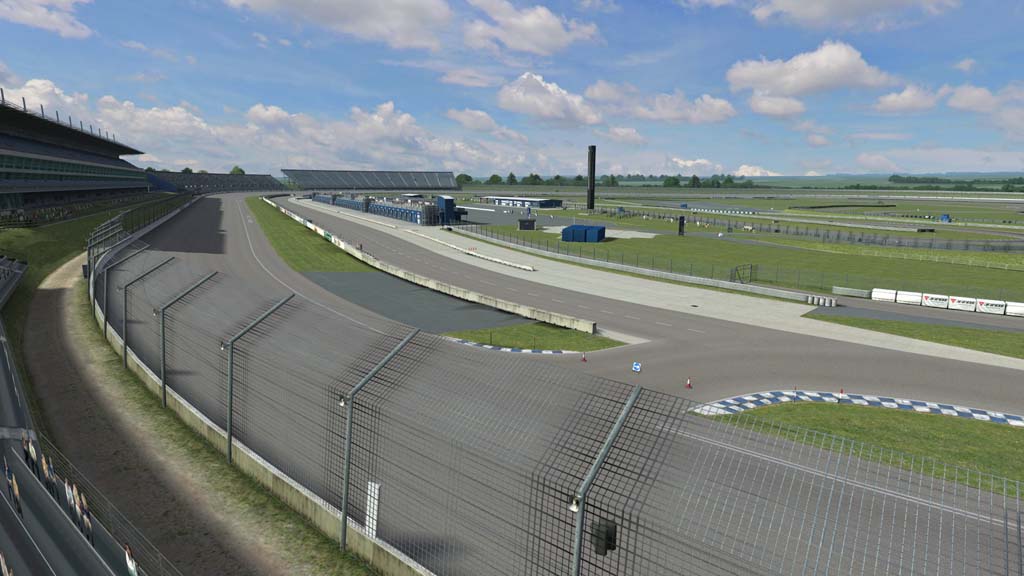
Which leads us to the second big update, the graphics. A new reflection and shaders system has been implemented, and based off of the Rockingham screenshots, looks pretty natural.
While there are more than a few noteworthy updates in this version – check out the entire release notes below – the other one that stood out to me was the implementation of HTC Vive headset support through OpenVR.
Live for Speed made waves in 2014 as the first sim to not only support the Oculus Rift, but do it pretty well. Now, it looks like the Live for Speed team is keen to stay on the bleeding edge and support other VR headsets as well.
The more the merrier.
Changes from 0.6J to 0.6K:
New Track :
Rockingham race track is now included – S3 license required
AI :
Now avoid ramming other cars when in the pit lane or lap of honour
Max drivers in single player increased to 24 (online max still 40)
Graphics :
New reflections system and shaders for cars and buildings
Nearby objects are visible in new dynamic reflections on cars
Option to set number of dynamic reflections in main view and mirror
Misc option to enable a programmable post-processing shader
Exit the pits onto the Rockingham oval
Misc :
New command /rsh to reload shaders (e.g. after editing externally)
Maximum number of controllers increased to 10 (was previously 8)
VR :
HTC Vive headset is now supported through OpenVR
Oculus Rift support now requires runtime 0.7 or later
Improved dialog sequence after any error entering VR mode
Training lesson editor :
SHIFT+T on main entry screen to access lesson editor or list editor
Layouts for lessons must be copied from layout to training folder
SHIFT+T on training screen to view and test newly added lessons
Fixes :
Improved validity check when loading car colour settings
Alpha sorting issue on bricks at base of a South City building
AI could go wrong when entering BL pit lane for a pit stop
AI driver names can no longer be blank
Rockingham laser scanned environment
TIPS on using Live for Speed with a VR headset :
NOTE : For Oculus, Runtime 0.7 (or later) is required
1) How to enter VR mode in LFS :
– Start LFS and click 3D on the View Options Screen
– Select VR headset and click OK
2) To reset your seating position, the text command /rift reset is assigned by default to the F8 key.
– When a new driver takes over, ask them to look straight ahead then press F8
– Key assignments can be edited in Options – Game – F1 to F8
3) Accessing your desktop while LFS is in VR mode.
– You will find that your mouse cursor is confined to the LFS window
– Press CTRL+C to free the mouse and now the mouse can go onto the desktop
Just kinda wanna mention… it looks like iRacing now >_> (LFS was one of my first big sims outside of NR2003 and rFactor so I’m happy to see that progress has been made!)
Agree, very similar color pallet, which is a good thing.
Agreed. 😀 both look amazing at 2k resolutions. (4K would be a bit much at 1080p, but super sampling is awesome)